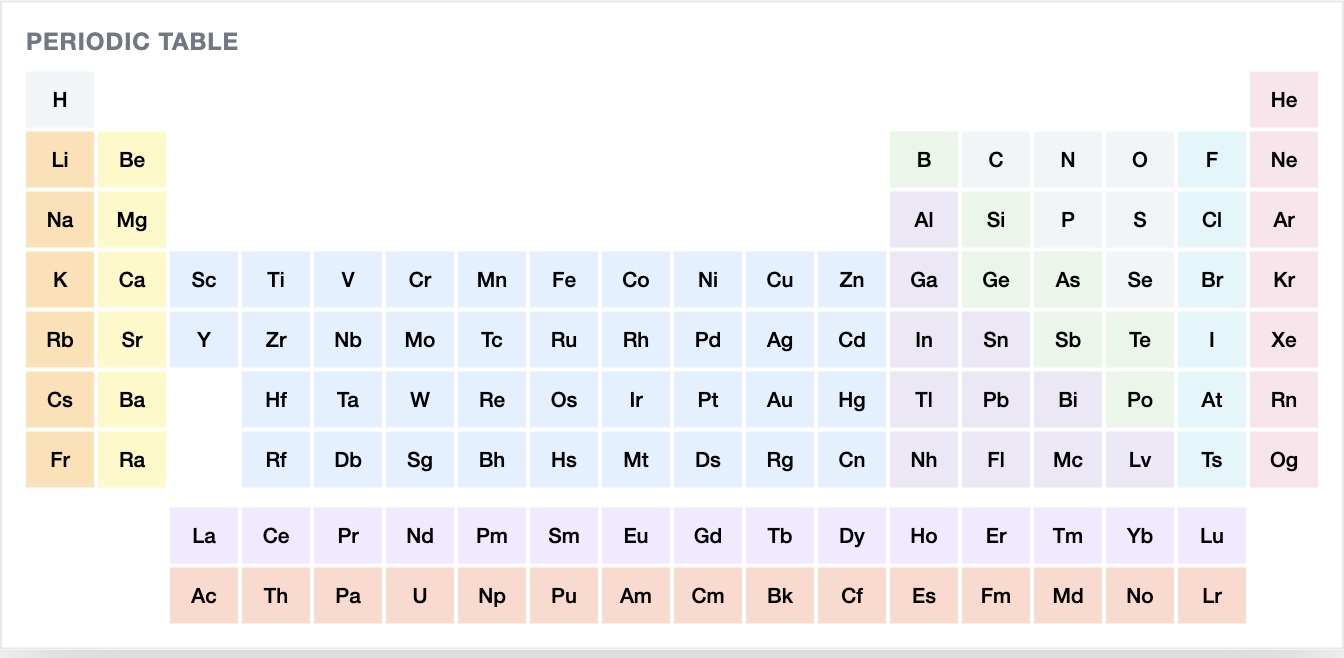
MolSketch now supports adding atoms from the periodic table.
This means you can directly choose the element you want from a full list and use it immediately on the canvas.
In addition to the elements commonly used in organic chemistry, this also makes less frequently used elements easier to find.
What's new
- Open the periodic table and choose an atom
- Add the selected element directly
- Switching atoms is now easier to understand
This should be especially more convenient when you want to use sulfur, phosphorus, halogens, and similar elements.
Summary
With this update, adding atoms in MolSketch is now more intuitive.
You can try it here: