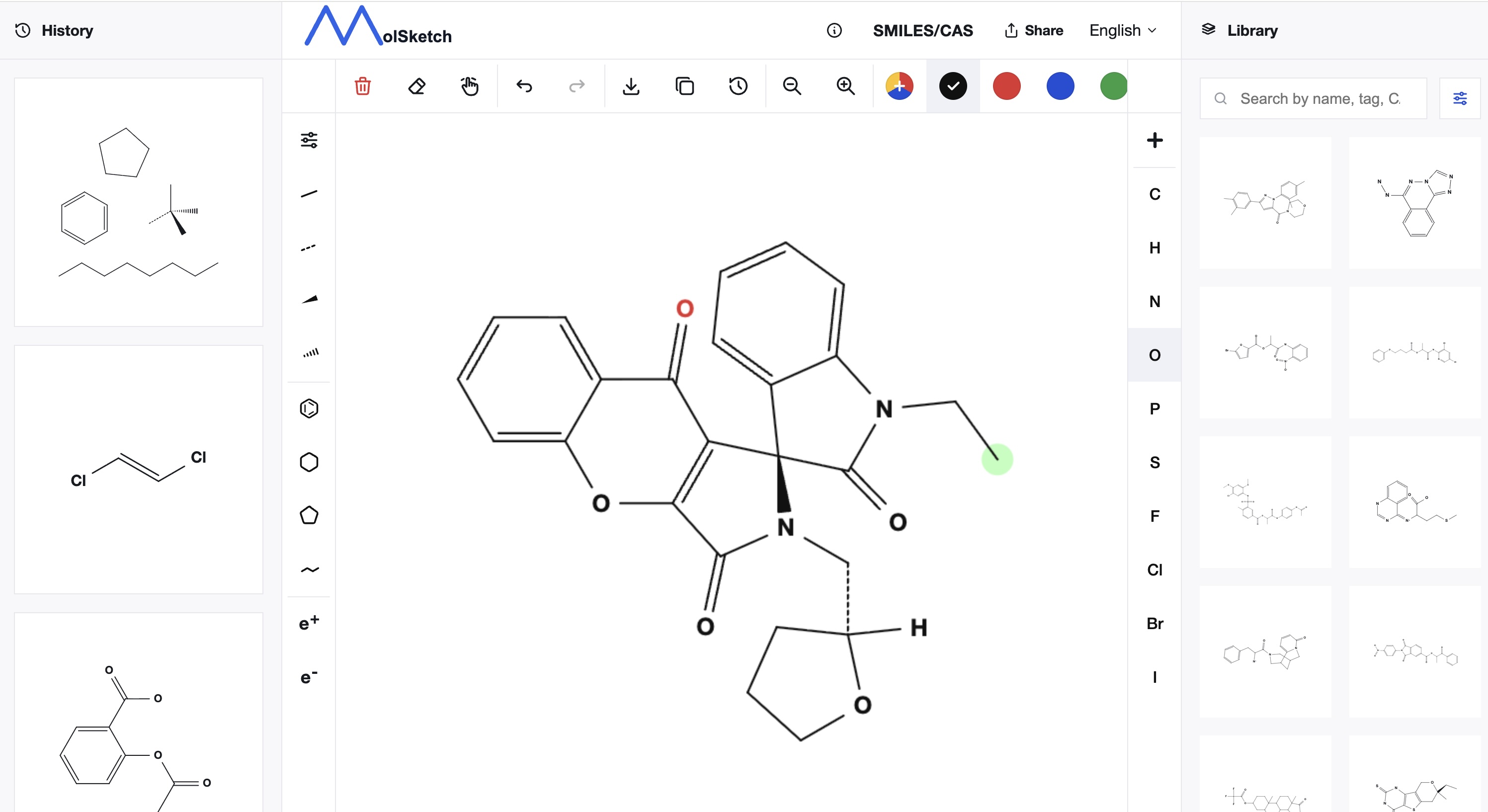
Download Editable Chemical Structure Formulas in PowerPoint
MolSketch now allows you to download chemical structure formulas created as editable PowerPoint (.pptx) files.
Instead of just exporting images as PNG or SVG, atom labels, bond lines, arrows, and other elements can be edited as text and shapes directly within PowerPoint.
This feature is convenient for using chemical structure formulas in research presentations, lecture materials, paper introductions, reports, and other cases involving PowerPoint.
Challenges When Using Chemical Structure Formulas in PowerPoint
When using chemical structure formulas in presentation materials or research reports, it is common to export them as PNG or SVG and then paste them into PowerPoint.
There is no problem when using them as images as-is, but if you want to make fine adjustments to match your materials, there are limitations.
For example,
- Changing the font size of atom labels
- Changing the color or thickness of bond lines
- Adjusting the position of only part of the structure formula
- Changing the position or length of arrows
- Changing the font to match the overall slide design
Such edits cannot be done on images like PNGs.
MolSketch’s PowerPoint export lets you directly edit each element that makes up the structure formula in PowerPoint.
Generating PowerPoint Objects from Structure Data
MolSketch’s PowerPoint export does not capture the editor screen and paste it into PowerPoint.
It uses the molecular structure data stored internally and geometric information of atoms, bonds, arrows, etc., converting each into text and shapes within PowerPoint.
Therefore, the downloaded PowerPoint allows the following edits:
- Text editing of atoms and element symbols
- Changing font size and style
- Text decorations such as bold, italic, underline
- Changing color and thickness of bond lines
- Adjusting the position of arrows and curved arrows
- Moving groups of structures or arrows as units
- Combining with other shapes and text within PowerPoint
Even after creating structure formulas with MolSketch, you can flexibly adjust them to fit the slide design and layout.
How to Edit Structure Formulas in PowerPoint
It’s simple to use:
- Create a chemical structure formula in MolSketch
- Click "Download" at the top of the editor
- Select "Download as PowerPoint"
- Open the downloaded
.pptxfile in PowerPoint - Edit text, bond lines, arrows, etc. as needed
Without using any dedicated software, you can create PowerPoint files directly from MolSketch.
Differences Between PNG, SVG, and PowerPoint
MolSketch allows exporting chemical structure formulas in multiple formats to suit your needs.
| Format | Suitable Use Case |
|---|---|
| PNG | When you want to use the structure as a simple image |
| SVG | When you want to use vector images that don’t degrade when enlarged |
| PowerPoint | When you want to edit text, bond lines, arrows, etc., within PowerPoint |
If you plan to use the structure formula as-is, PNG or SVG is convenient.
On the other hand, when wanting to change the size, layout, font size, or line thickness slide-by-slide in research presentations or lectures, exporting to PowerPoint is ideal.
Making Research Presentations and Lecture Materials More Flexible
In chemical PowerPoint materials, structure formulas are often combined not only alone but also with explanatory text, graphs, reaction arrows, experimental conditions, and more.
Therefore, the ability to adjust structure formulas to the overall layout of the materials is important.
With MolSketch,
Create the structure formula in MolSketch and make the final layout adjustments in PowerPoint
is an effective approach.
For example, in presentation slides, you can enlarge text, highlight specific bonds or atoms, align multiple structure formulas for comparison, and perform such edits within PowerPoint.
Summary
MolSketch’s PowerPoint export lets you download chemical structure formulas not as mere images but as editable PowerPoint objects.
Because atom labels, bond lines, arrows, and others can be edited within PowerPoint, you can flexibly create research presentations, lecture materials, reports, and educational slides.
Please try creating structure formulas with MolSketch and make use of them in your PowerPoint materials.