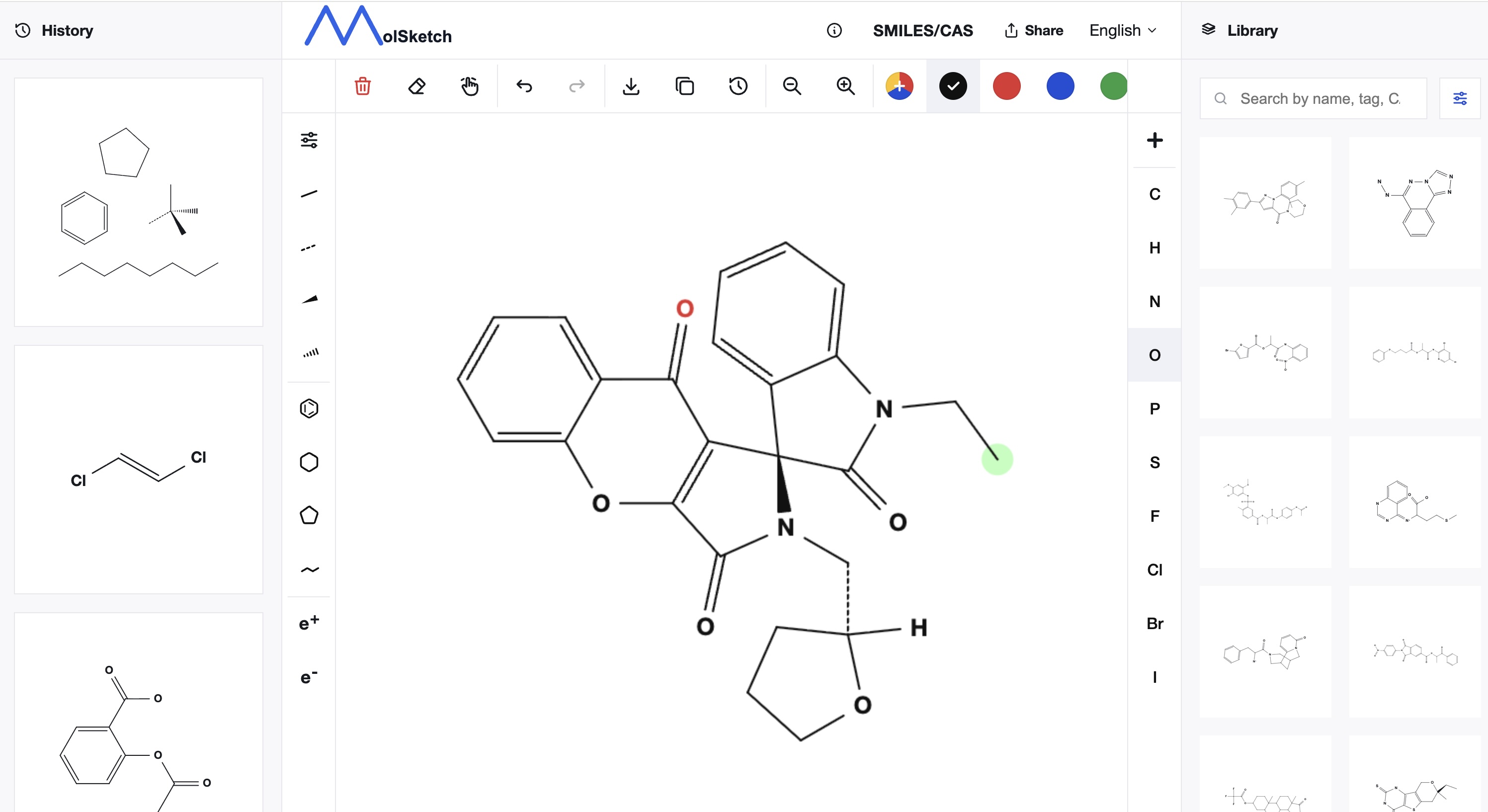
MolSketch is a free chemical structure editor that allows you to create chemical structures directly in your browser.
No installation, membership registration, or login is required. You can start drawing chemical structures immediately by simply opening the page.
This article introduces what you can do with MolSketch and its main features.
Features of MolSketch
MolSketch is a web tool designed for users who want to create chemical structures easily.
- Usable with just a browser
- Free of charge
- No registration or login required
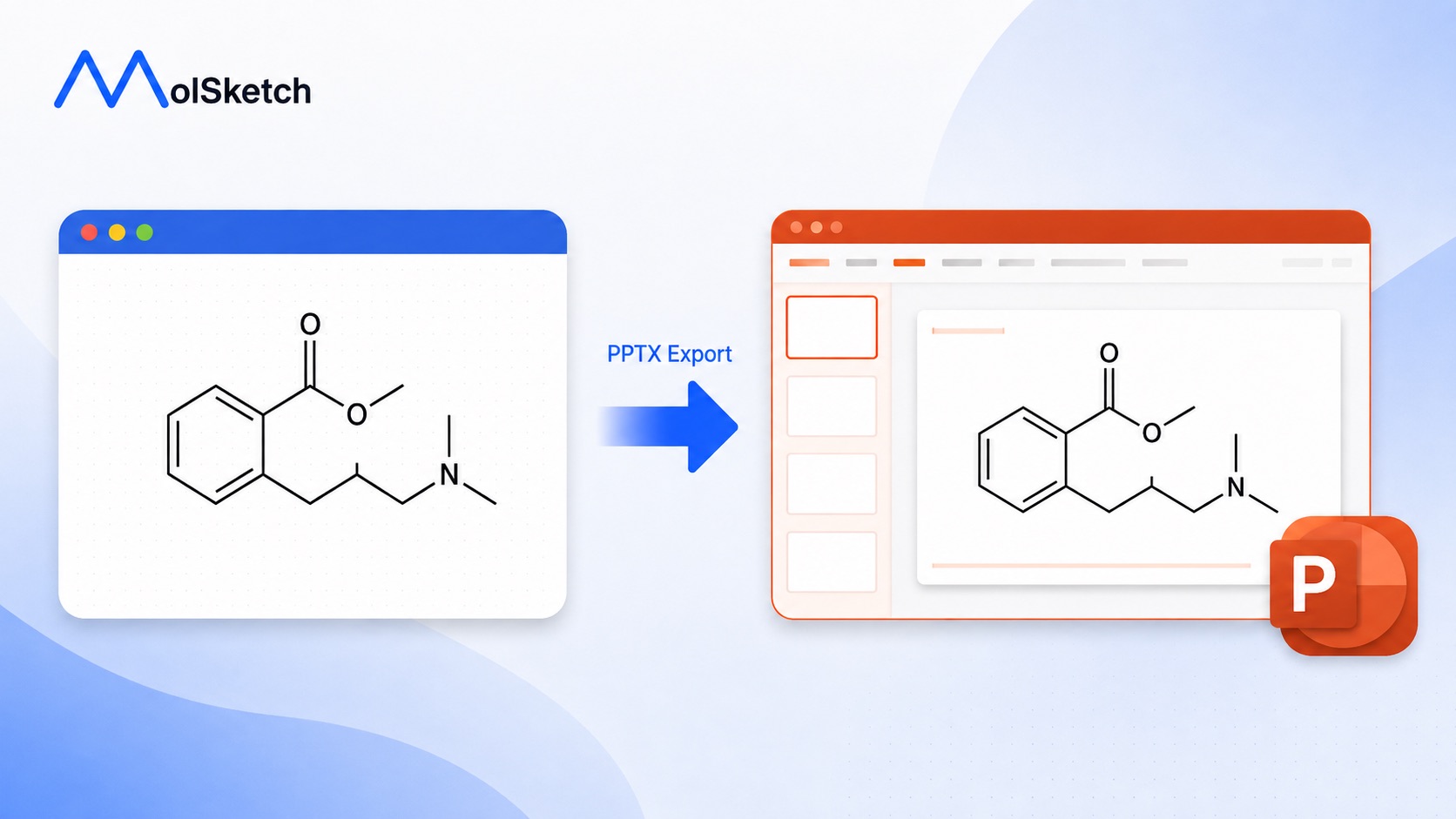
- Export in PNG / SVG / PowerPoint formats
- Automatic generation of structures from SMILES or CAS numbers
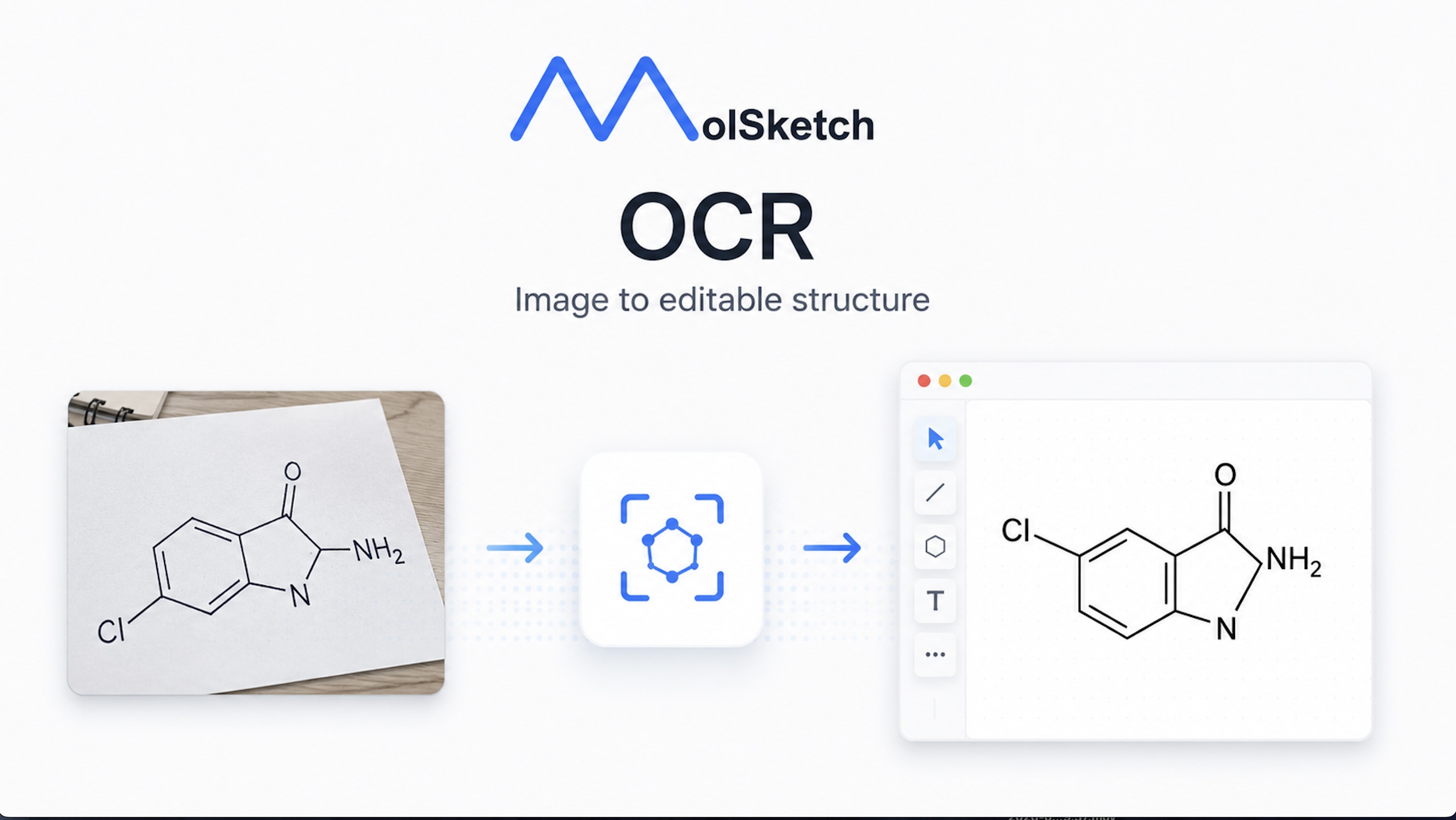
- Automatic generation of structures from handwriting or OCR
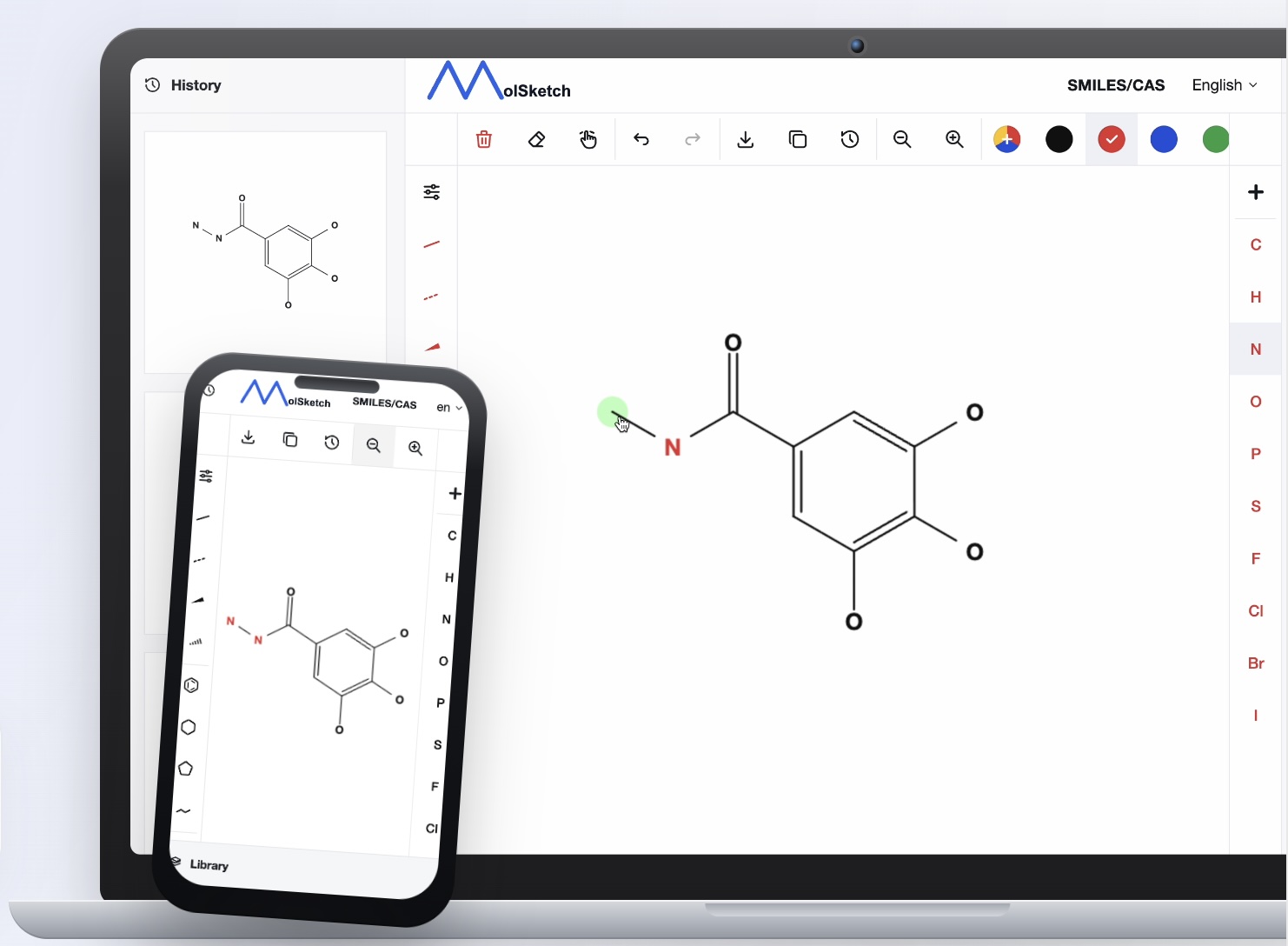
- Usable on smartphones
- Supports 7 languages
It can be used in various situations such as research, education, document creation, and website publication.
1. Intuitive Drawing of Bonds
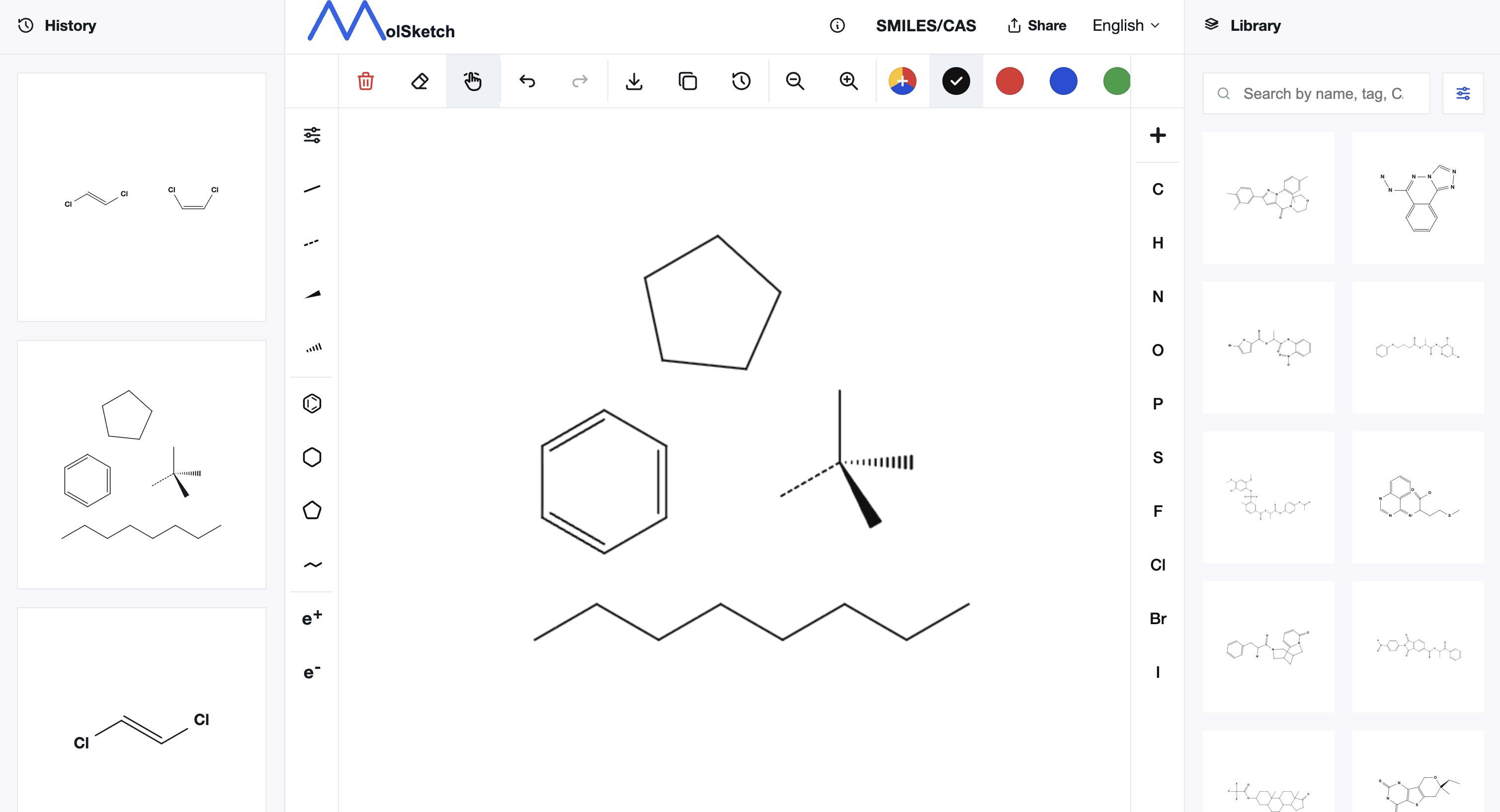
In MolSketch, you can select the bond type from the toolbar and draw structures directly on the canvas.
It supports not only single bonds but also double bonds, triple bonds, and changing bond directions. Templates for benzene rings and chain structures are also provided, allowing efficient creation of commonly used structures.
You can click on bonds to change their type or orientation, making post-drawing adjustments easy.
2. Export in PNG / SVG / PowerPoint
You can export the created chemical structures in PNG, SVG, or PowerPoint formats.
PNG is convenient for embedding in documents or slides. SVG is suitable for websites and high-resolution displays. SVG can also be copied to the clipboard for direct embedding into HTML or web pages. Exported PowerPoint files can be re-edited within the PowerPoint application, making it ideal for slide creation.
During export, the structure is automatically trimmed to fit the drawing area, reducing the need to adjust margins after download.
3. Re-editing from History
MolSketch saves created structures as history. You can reopen, edit, or export previously created structures.
- Reuse structures you created before
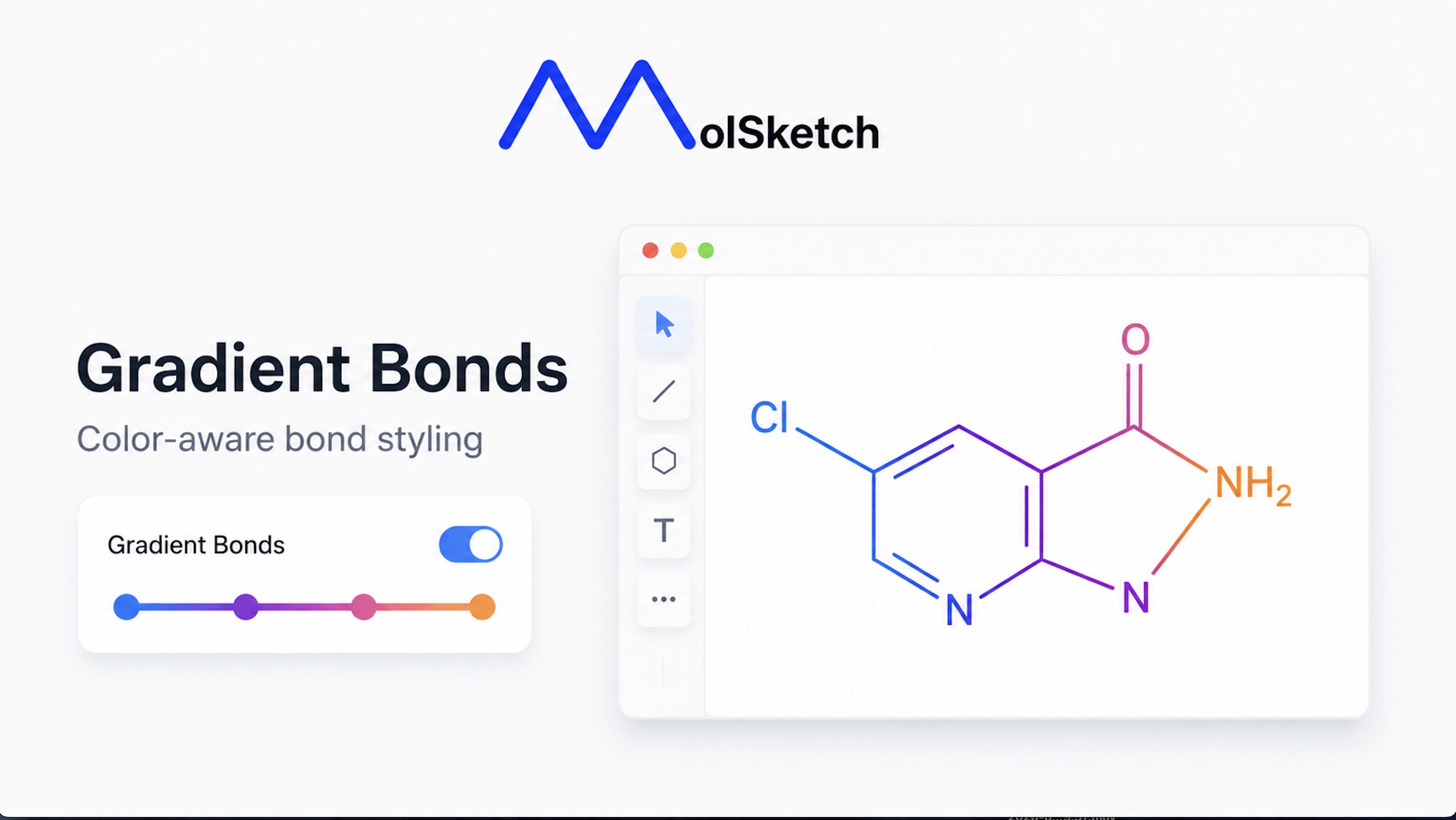
- Slightly change colors or atoms
- Export the same structure in a different format
This is convenient for continuous document creation as you don’t need to redraw from scratch every time.
By logging in, you can persist history and sync between different devices. (Added on 6/22)
4. Library of Over 10,000 Structures
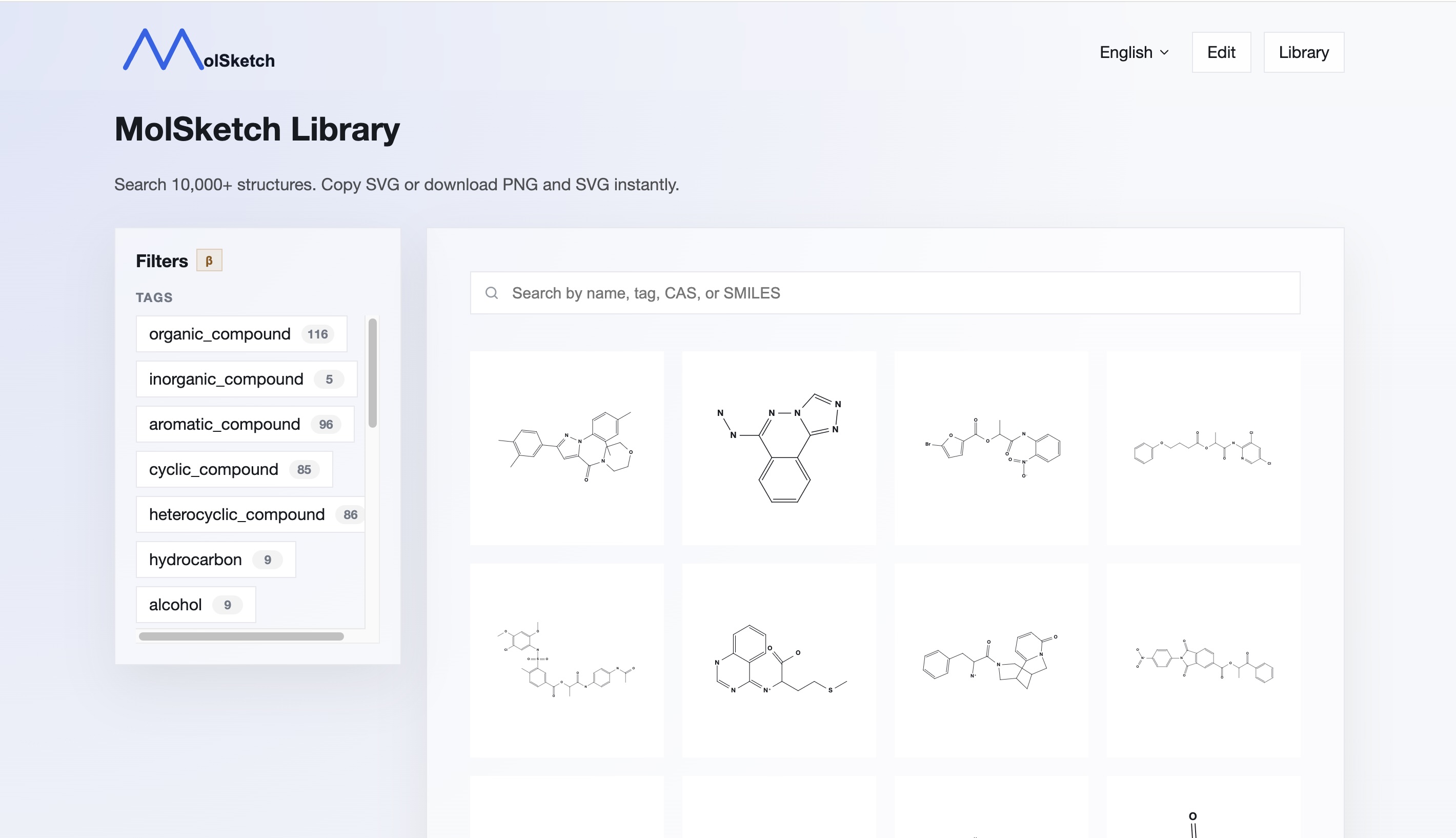
MolSketch includes a library of over 10,000 chemical structures.
You can search structures by compound name, CAS number, or SMILES, and either export the searched structure directly or edit it on the canvas. For some compounds, physical properties like boiling point are also available.
5. Automatic Structure Generation from SMILES and CAS Numbers
By entering SMILES strings or CAS numbers, chemical structures can be generated automatically.
More than 100 million structures are supported, enabling quick creation of complex structures. Structures that would take considerable time to draw manually can be summoned instantly by inputting their identifiers, significantly reducing work time.
6. OCR Support
MolSketch can automatically generate chemical structures by uploading images of structures.
Structures that are time-consuming to draw by hand can be created within seconds. High accuracy is achievable even from handwritten images.
7. Automatic Generation from Handwritten Structures
MolSketch not only supports image upload but also allows you to automatically generate chemical structures from on-the-spot handwriting.
This is convenient when you want to quickly sketch an idea.
8. Smartphone Compatible
MolSketch can be used not only on PCs but also on smartphones.
You can check and create chemical structures from your browser even when you don’t have access to a PC, such as when you are out or on the move. The interface adjusts to the screen size, allowing easy confirmation and editing for simple tasks on smartphones.
9. Other Convenient Features
There are many other features focused on usability, so please try it out!
What MolSketch Values
MolSketch emphasizes ease of use for anyone, immediately.
The opportunity to draw chemical structures may not be frequent for everyone. That’s why we prioritize the ability to use it instantly when needed. For this reason, registration, login, and installation are all unnecessary, and we focus on a simple operation completed entirely in the browser.
We aim to offer a powerful yet easily usable tool, even for first-time users.
Summary
MolSketch is a free browser-based chemical structure editor.
It offers a wide range of functions needed for structure creation, including bond drawing, automatic structure generation, library search, PNG/SVG export, history saving, and smartphone compatibility.
You can also use it with registration and login. Please use it whenever you need it.