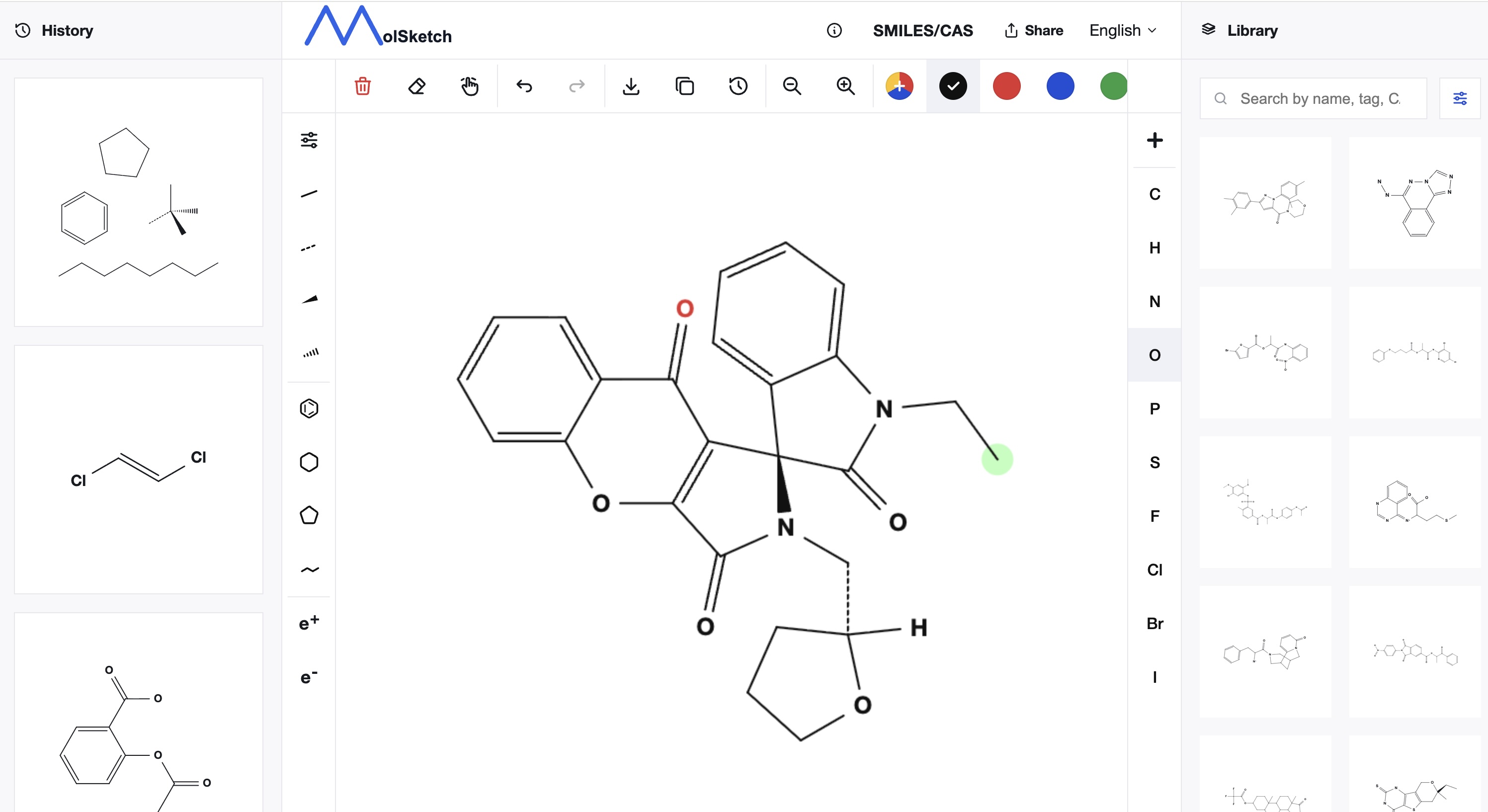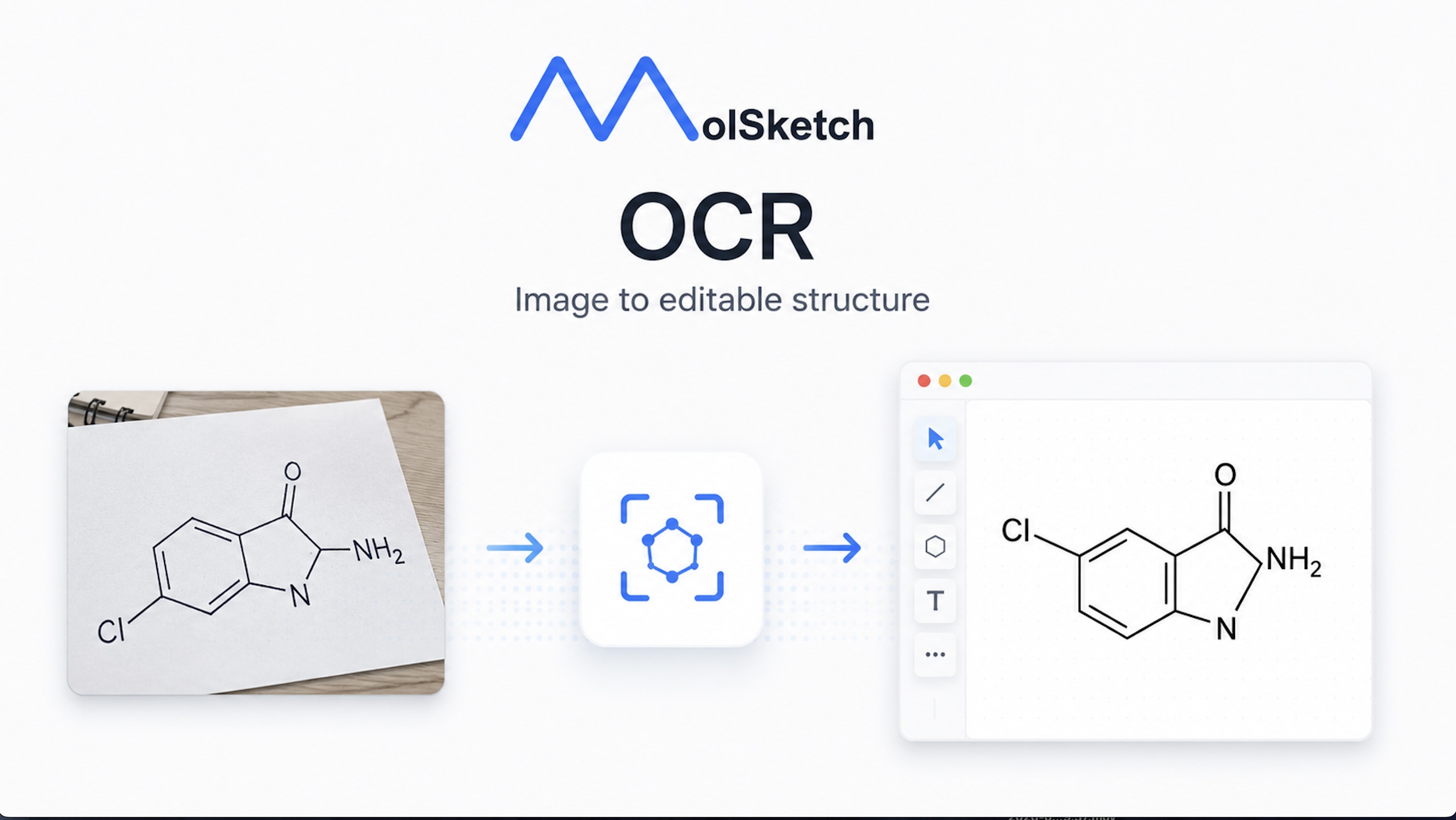
MolSketch has added an OCR feature.
By simply uploading an image of a structural formula, it can automatically be imported as an editable structure. You can directly capture structural formulas from papers or notes and utilize them for editing and exporting.
What is the OCR feature?
OCR (Optical Character Recognition) is a technology to extract information from images. MolSketch's OCR feature recognizes chemical structural formulas contained in images and imports them as editable data.
Until now, if you wanted to "edit structural formulas directly from a paper PDF" or "digitalize handwritten structural formulas in notes," you had to redraw the structures from scratch. With the OCR feature, this effort is greatly reduced.
How to use
Load from the upload area
- Open the “Auto Generate” menu on the left side of the screen
- Drop an image into the “Upload Image” area or click to select a file
- After analysis is complete, a preview of the structural formula appears
- Click “Apply” to add the structure to the canvas
Drag and drop directly onto the canvas
You can also start reading by dropping an image directly onto the canvas in the same way.
Supported image formats
- PNG
- JPEG
- WebP
- HEIC / HEIF (photos taken with iPhone, etc.)
Supports handwritten structural formulas too
Not only printed structural formulas but also handwritten structural formulas are supported.
Simply take a photo of a formula drawn in your notes and upload it to import as digital data. This is convenient when you want to quickly bring in structural formulas from class notes or research memos into the editor.
About recognition accuracy
- The clearer the structural formula image, the higher the recognition accuracy
- Printed structural formulas are recognized with relatively high accuracy
- For complex or handwritten structures, it is recommended to check the recognition result before applying
- Once recognized, you can edit the structure just like any normal formula, so fine adjustments are simple
Important notes
- Keep image size under 2MB
- If recognition is difficult, try cropping or adjusting brightness and retrying to improve results
Summary
With the addition of the OCR feature, MolSketch now allows quick digitalization of existing structural formula images.
- Converts images into editable structural formulas simply by uploading
- Supports both handwritten and printed structures
- Supports PNG / JPEG / WebP / HEIC formats
- Also supports drag & drop onto the canvas
Please give it a try.